Wan 2.2 Animate: Replace Characters in Videos & Motion Transfer

Wan 2.2 Animate is an AI model that animates images and replaces characters in videos using realistic motion transfer, pose tracking, and facial expressions to create smooth, natural, and lifelike animations.

Upload Image & Motion Video

Click to upload and apply Wan 2.2 Animate motion control

Click to upload files

Images (PNG, JPG) and Videos (MP4, MOV) up to 100MB

Core Key Features of Wan 2.2 Animate
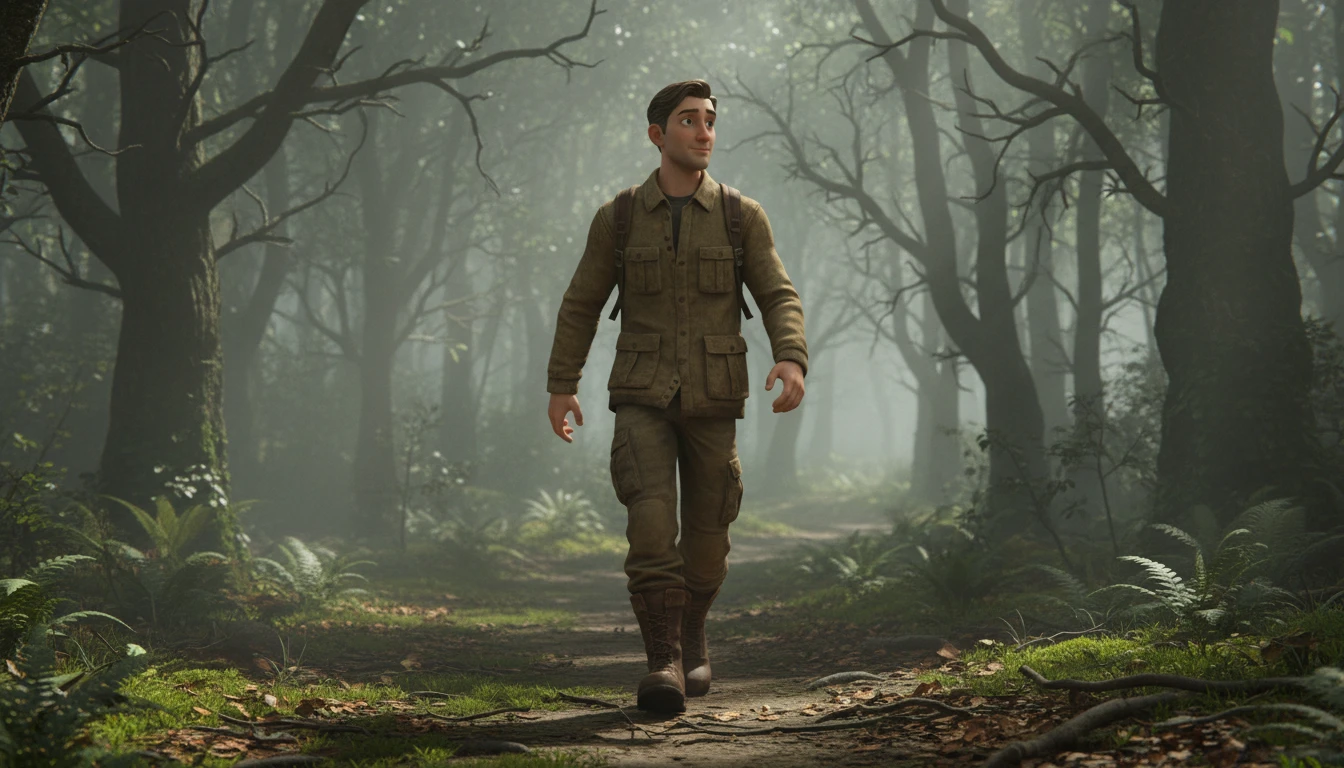
Image-to-Video Motion Transfer

Image-to-Video Motion Transfer

Animate a single photo by transferring full-body movement, head motion, and facial expressions from a reference video, creating natural and lifelike character animation.
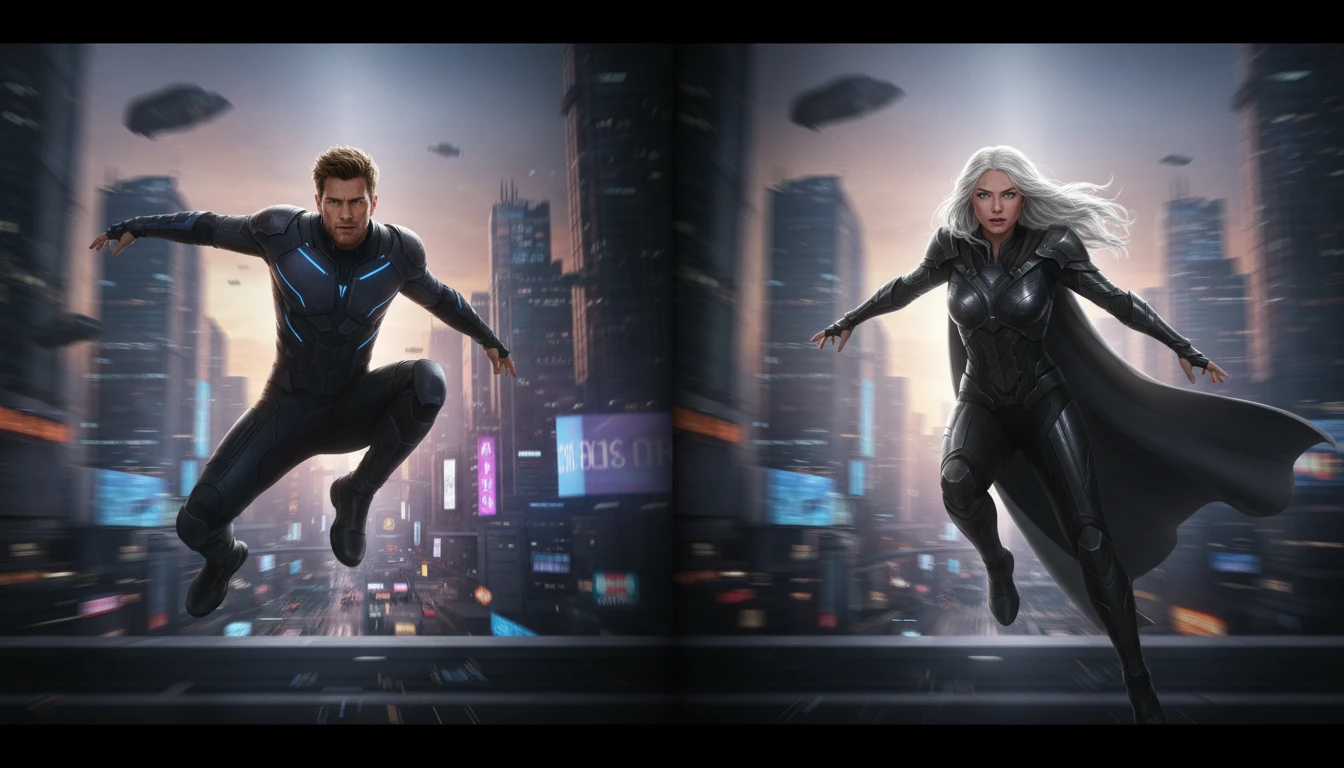
Character Replacement in Video

Character Replacement in Video

Replace a person or character in an existing video with your own image while keeping the original camera motion, background, and scene structure intact.
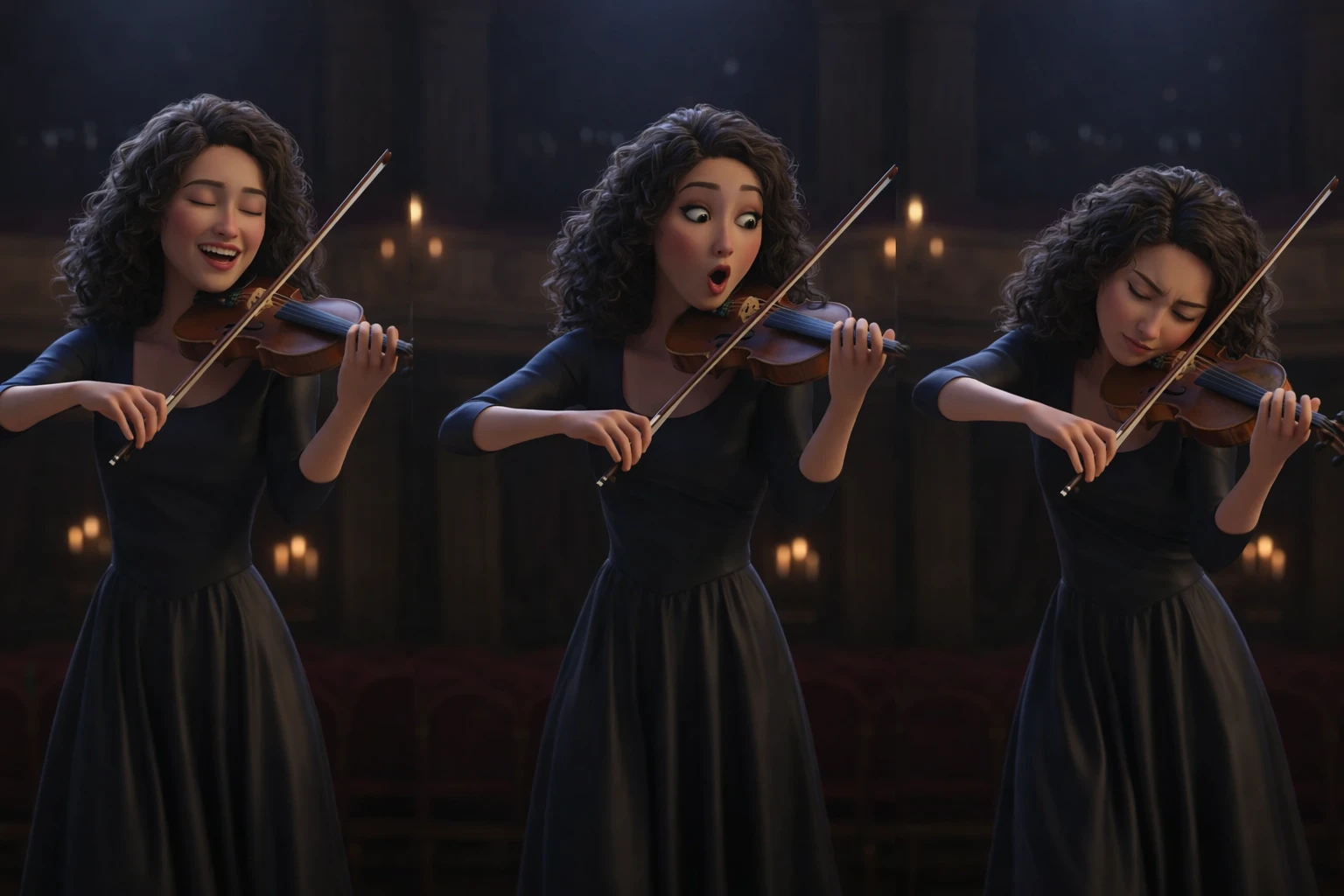
Pose & Expression Tracking

Pose & Expression Tracking

Precisely tracks body poses, hand gestures, and facial expressions from the source video to ensure smooth, realistic, and consistent animation across frames.
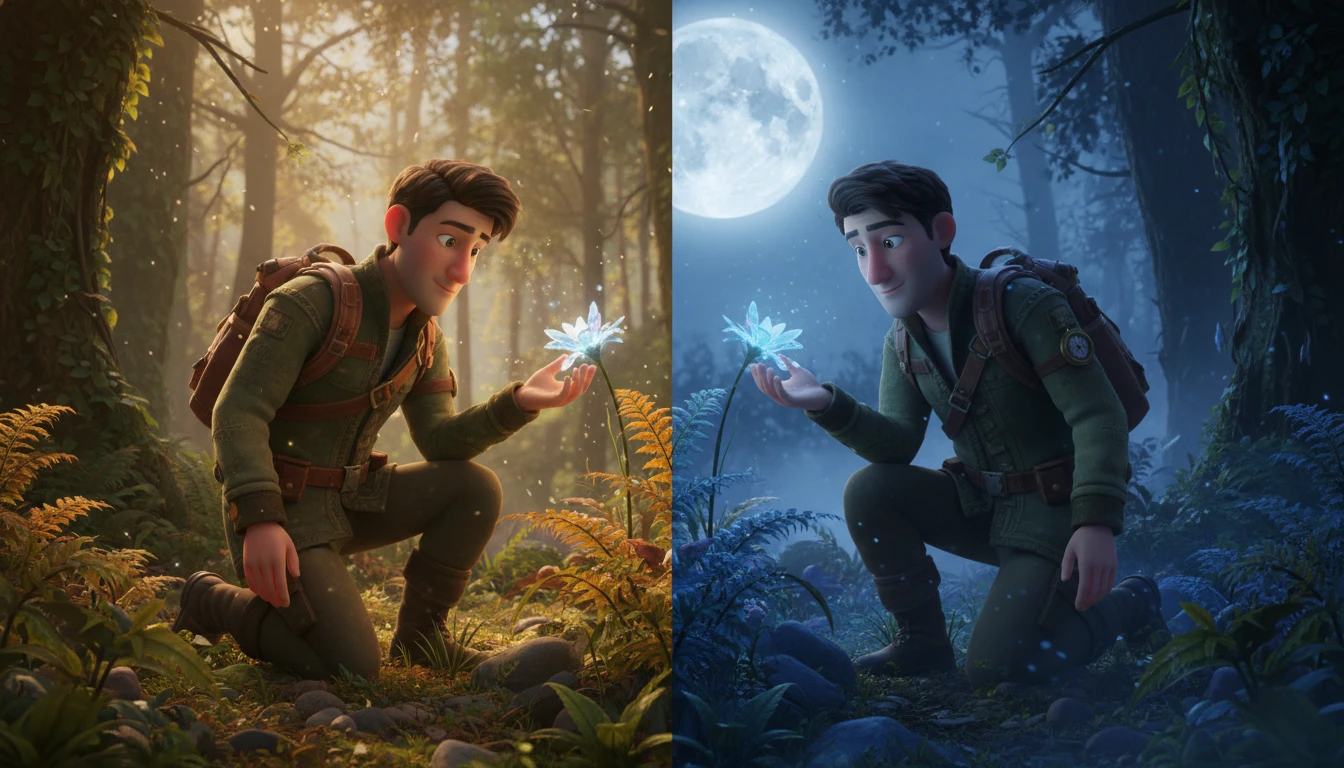
Scene & Lighting Consistency

Scene & Lighting Consistency

Matches lighting, color tone, and visual style between the animated character and the original video, helping the result look blended and cinematic rather than artificial.

How Wan 2.2 Animate Works

Create character animation in three simple steps

📤

Upload an Image and Video

Start by uploading a character image and a reference video that contains the motion you want to copy, such as walking, talking, dancing, or acting.

Transfer Motion with AI

Wan 2.2 Animate analyzes body pose and facial expressions from the video, then applies the same movement to your image with smooth, natural, and realistic animation.

🎬

Preview and Download

Review the generated result, fine-tune if needed, and download the final animated video for content creation, social media, films, or digital characters.

Frequently Asked Questions

Wan 2.2 Animate is used to animate still images and replace characters in videos by transferring real human motion and facial expressions from a reference video.

Yes. You can animate a single photo using a motion video, or upload a video to transfer motion and style from another clip.

Yes, it tracks facial expressions and head motion from the source video to produce natural-looking animations.

Yes, Wan 2.2 Animate allows character replacement while keeping the original camera movement and background.

Clear videos with visible body movement and stable lighting, such as talking, dancing, walking, or acting clips, give the best results.

No, you only need to upload an image and a video. The AI handles pose tracking, motion transfer, and rendering automatically.

The model produces smooth, consistent frames with realistic motion and expressions suitable for social media, avatars, and creative videos.

Yes, it is widely used to create talking, moving, and expressive AI avatars from a single photo.

It can be used through open-source tools, local setups, and online AI video generators that integrate the Wan 2.2 Animate model.