AI Motion Control: Kling 2.6 AI Image to Video Generator
Create AI-powered image-to-video content with kling video 2.6 motion control. Apply smooth camera movement and controlled motion to images for natural, consistent video results.
Create AI-powered image-to-video content with kling video 2.6 motion control. Apply smooth camera movement and controlled motion to images for natural, consistent video results.
Kling 2.6 AI Motion Control turns images into cinematic videos with precise motion and natural camera movement.
Click to upload a video and apply Kling 2.6 motion control
Click to upload video
MP4, MOV up to 100MB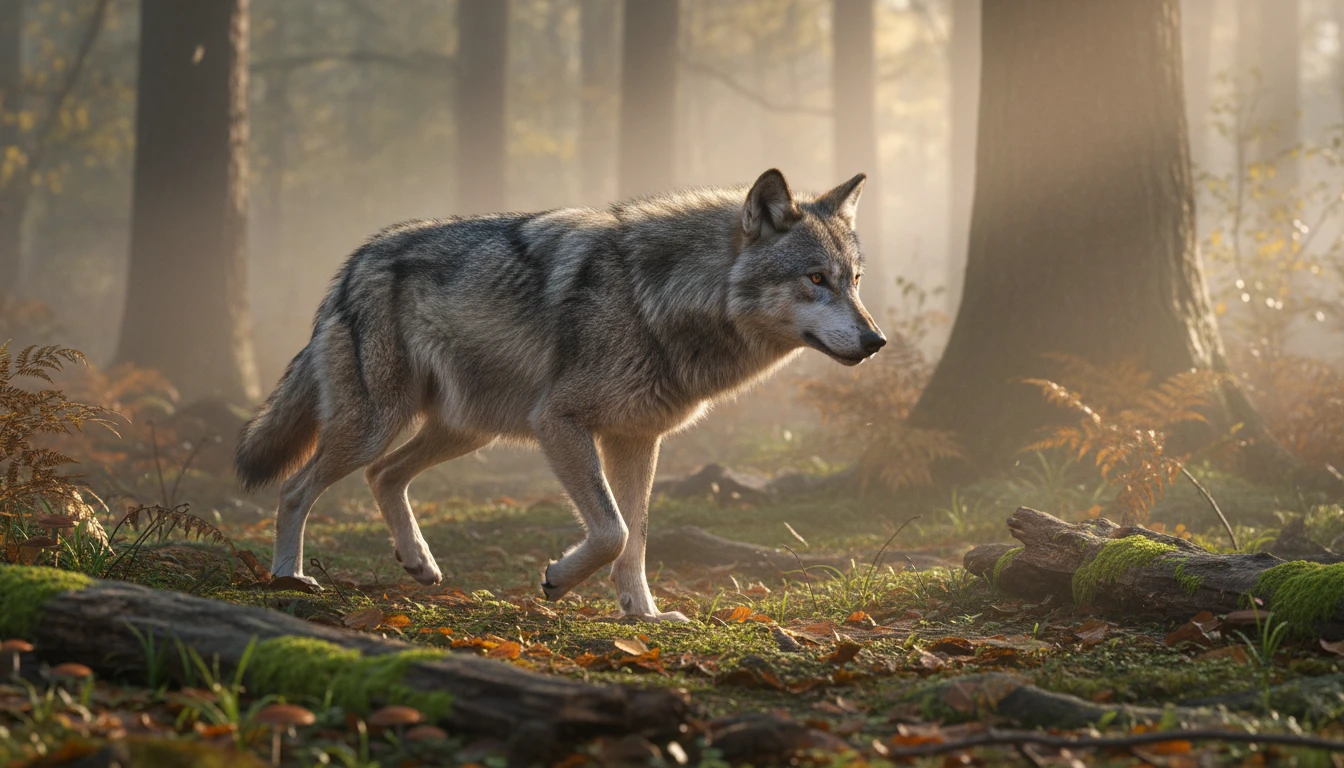
AI motion control reduces sudden changes in movement, helping videos look smoother and easier to watch from start to end. Eliminate jitters and frame inconsistencies for a professional finish.
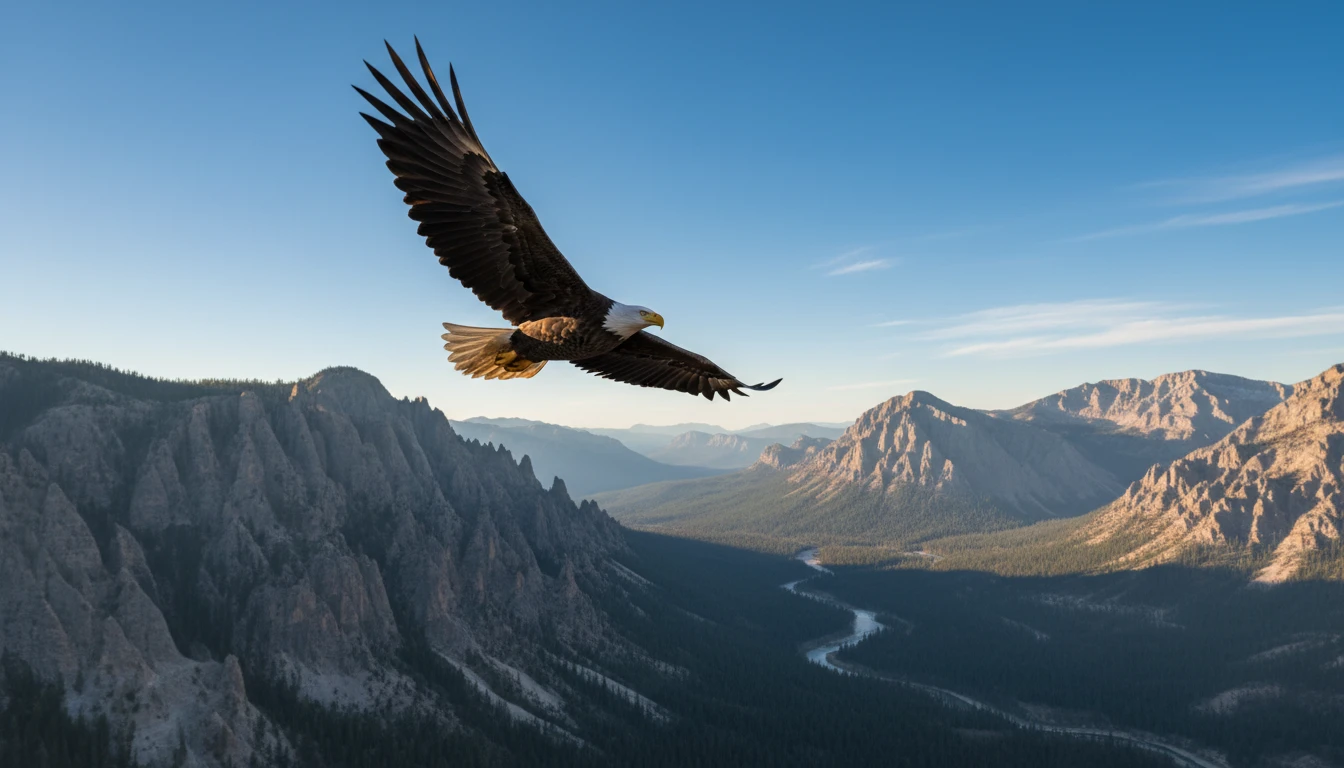
AI motion control allows smooth and planned camera movement such as pan, zoom, and slow motion. Direct your scene's viewpoint with accuracy, avoiding random or shaky movements.
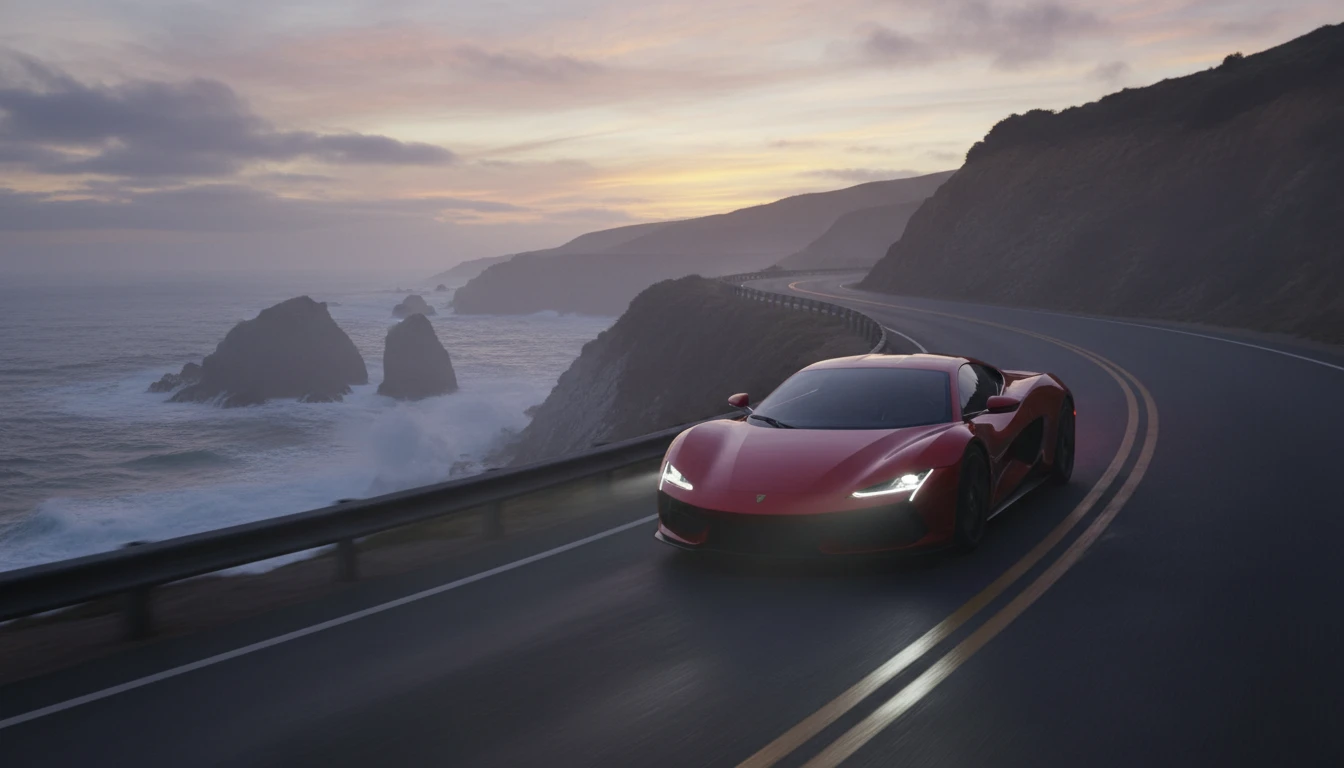
AI Motion Control manages how characters and objects move within the frame, keeping motion balanced and natural throughout the video. Ensure characters stay grounded and interactions remain realistic.
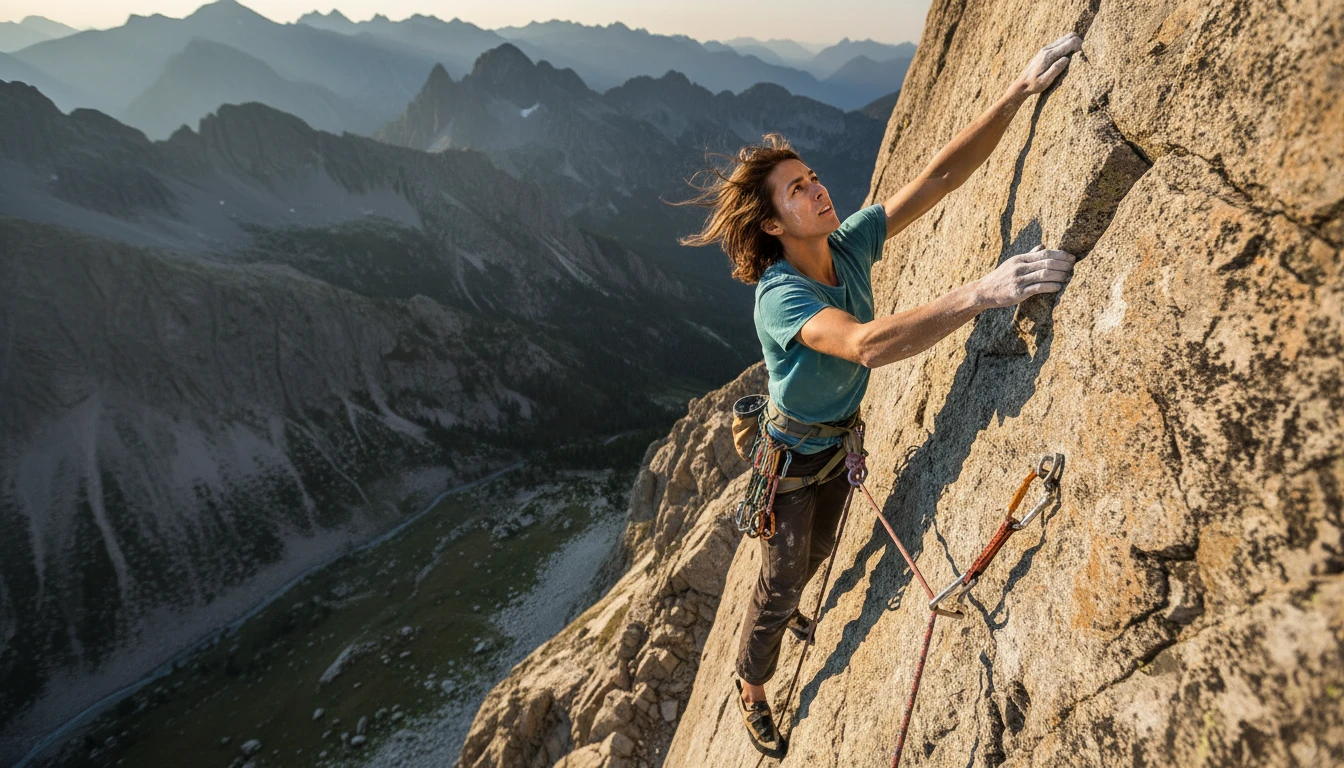
Instead of guessing motion, AI motion control applies guided movement when converting images into videos. This creates predictable and clean video flow, faithful to your original static composition.
Create cinematic videos in three simple steps
Upload a clear image that you want to convert into a video using Motion Control.
Enable Motion Control to add smooth camera movement and controlled motion to the image.
The AI creates a stable, natural-looking video from your image with controlled motion.
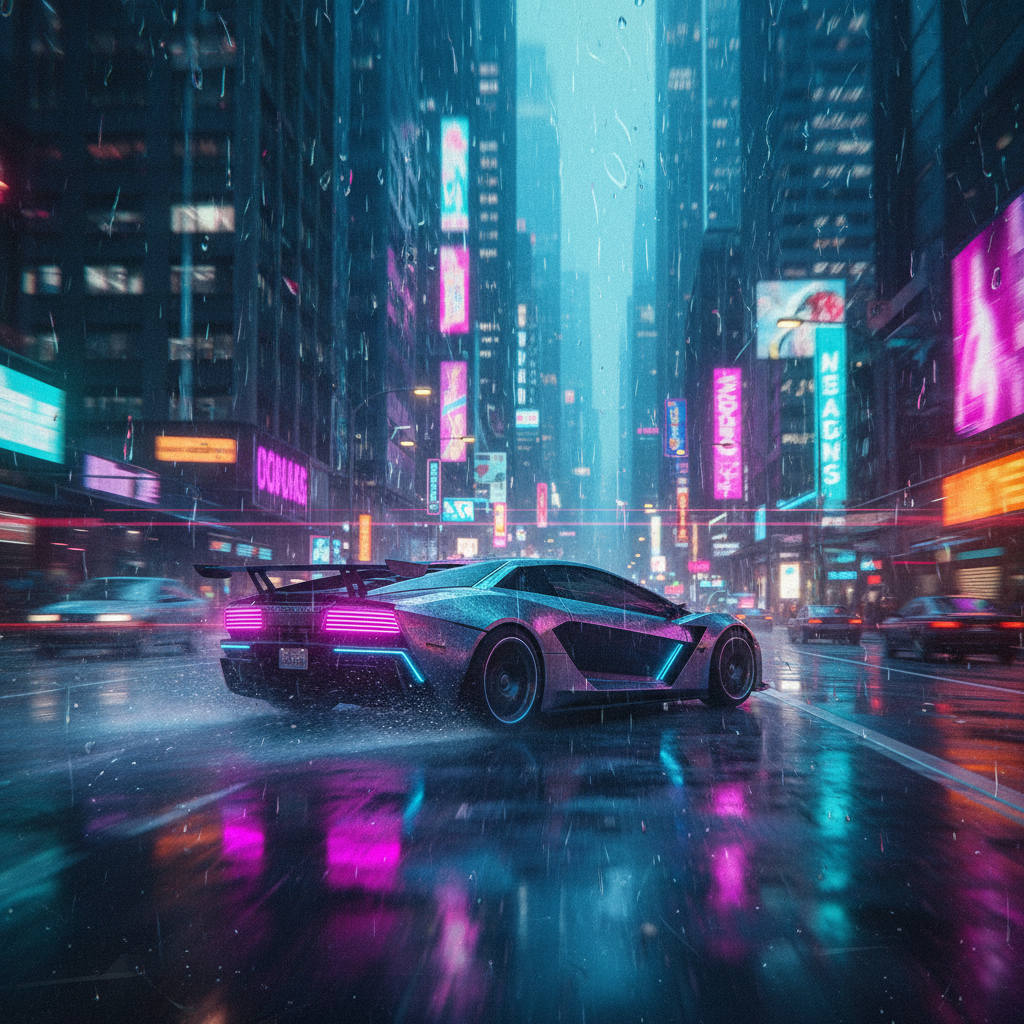


Motion Control makes image-to-video creation much smoother. The movement looks clean and well controlled without any random motion.
I like how Motion Control keeps the camera movement stable. It helps turn simple images into professional-looking videos.
Using Motion Control saved me a lot of time. The videos feel natural, and the motion is easy to manage.
AI motion control in kling 2.6 is a feature that helps control how movement happens when an image is turned into a video. Instead of random motion, it adds smooth and planned movement to the camera and subjects.
AI Motion Control guides how the image moves over time. It controls camera direction, speed, and motion flow so the video looks stable and natural.
AI Motion Control can create slow camera movement, gentle zoom, and controlled subject motion. This helps make videos look clean and easy to watch.
Yes, Motion Control AI helps avoid sudden or uneven movement by keeping motion smooth and balanced throughout the video.
Yes, it helps manage how characters move, making actions and expressions look more consistent during image-to-video conversion.
AI Motion Control affects both camera movement and how objects or characters appear to move within the frame.
Without AI Motion Control, AI videos can feel random. Motion Control helps create clear, realistic motion that improves video quality.
Kling 2.6 Motion Control is useful for beginners and creators who want smooth, controlled image-to-video results without complex editing.